How to Get AI to Edit Word Documents Without Breaking Formatting
March 13, 2026
AI is great with plain text, but .docx files are a nightmare. Styles break, numbering corrupts, and formatting gets nuked. Here's why the Word last mile is so hard, and how Vesence solves it.
Getting AI to edit Word documents sounds simple. It isn't.
Most AI tools — even the best ones — will happily rewrite your contract, SPA, or client memo. The problem is what happens to the formatting. Numbering breaks. Defined terms lose their bold. Cross-references corrupt. Track changes go missing.
The Word Last Mile Problem
Word documents (.docx) are not plain text files. They're XML packages containing content, styles, numbering definitions, and metadata all intertwined. When AI tools process Word files, they typically convert to plain text, make their edits, and convert back. Everything in between gets lost.
For legal documents, this is catastrophic. A contract that looks right but has broken internal numbering, inconsistent defined terms, or missing formatting is worse than no edit at all.
How Vesence Solves It
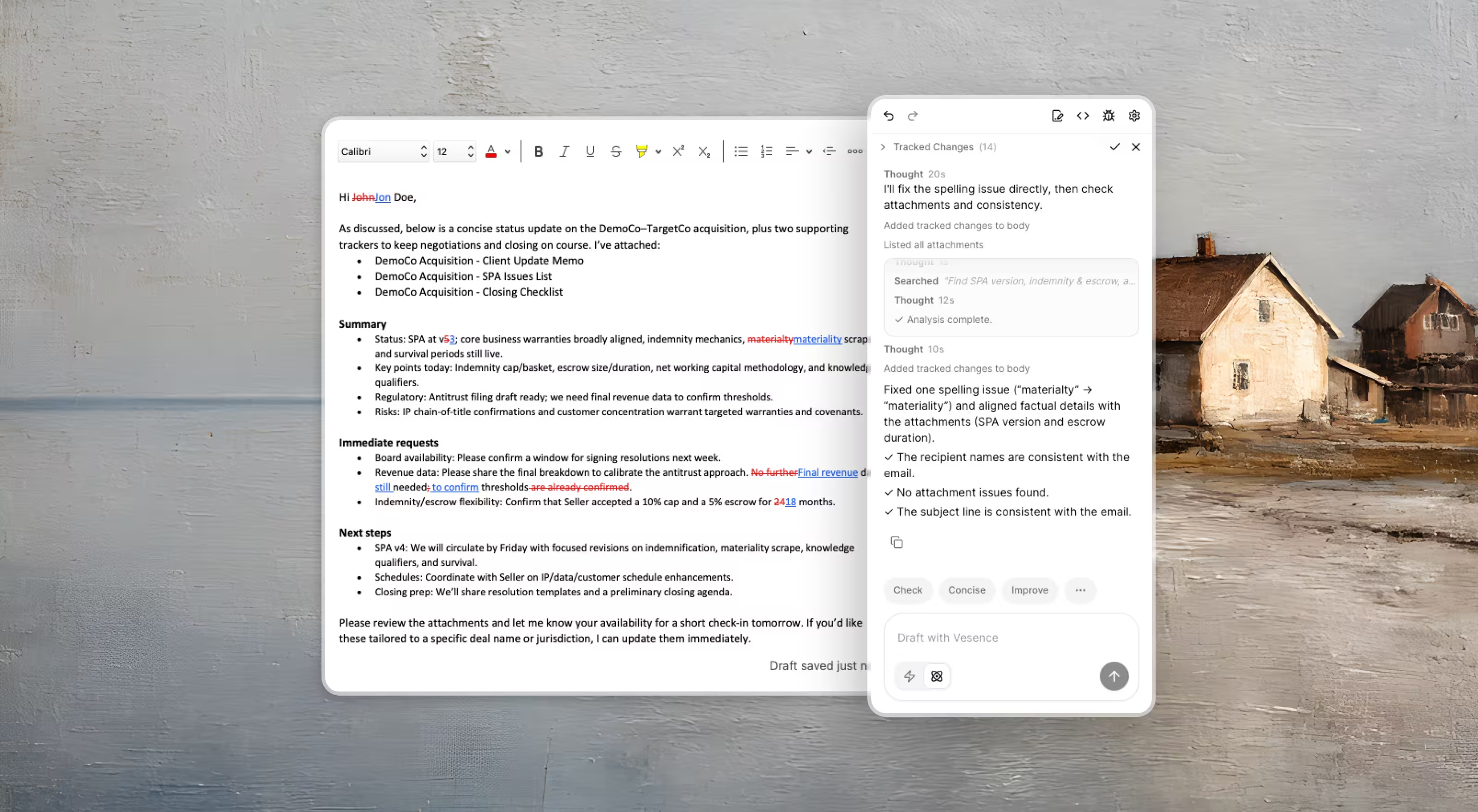
Vesence edits Word documents at the XML level, not the text level. Every change is made with full awareness of the document structure — styles, numbering hierarchies, cross-references, and tracked changes.
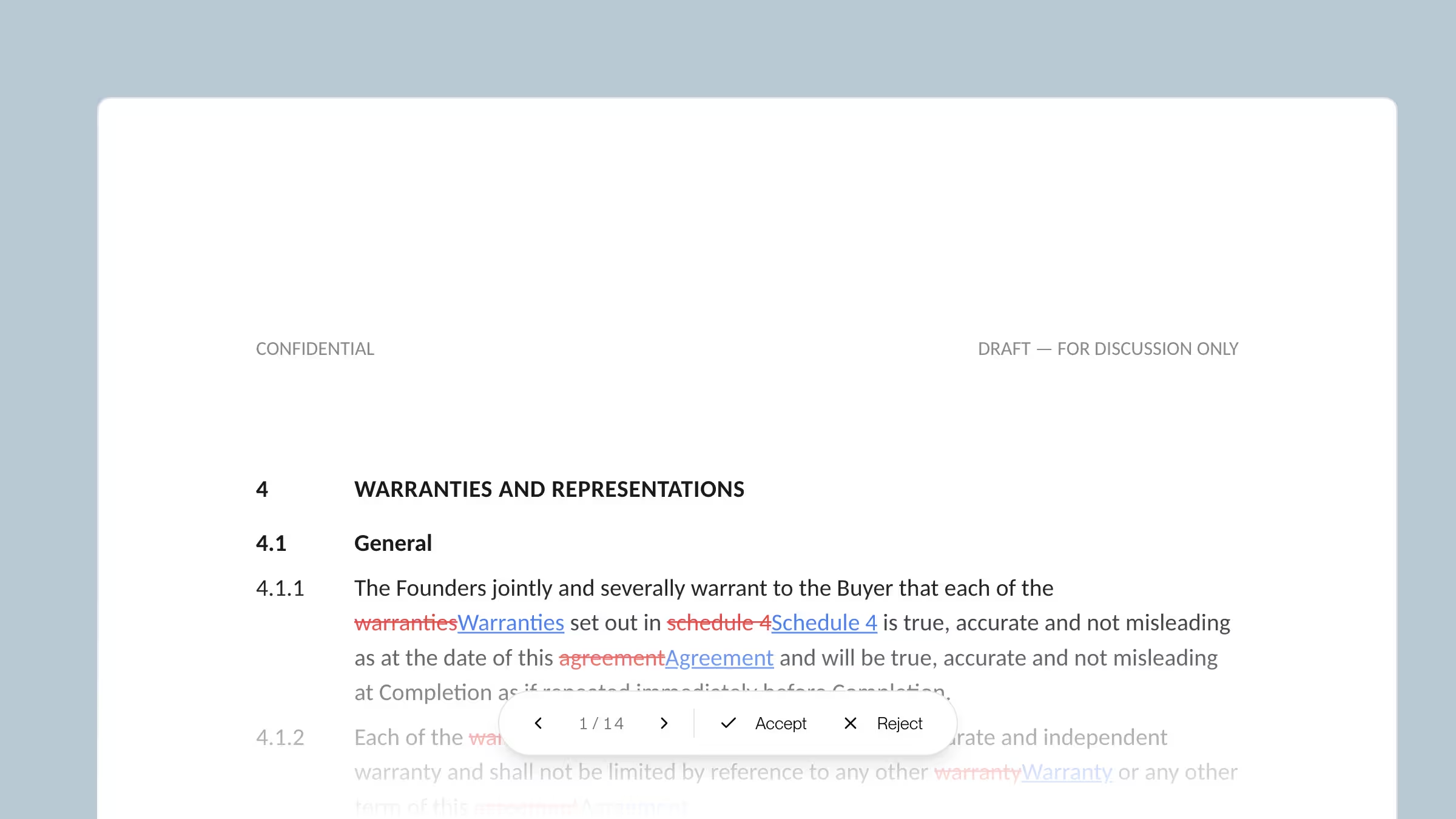
The result: edits that look exactly like a lawyer made them, including proper track changes that can be reviewed, accepted, or rejected in Word normally.
This is what we call the Word last mile — and it's what makes Vesence different.