Why Outlook Search Fails for Professional Services
April 2, 2026
Outlook search is broken for professionals. Keywords don't match how you think. Agentic retrieval uses parallel AI agents to find the right thread, attachment, and context — the way a person would.
If you've ever searched Outlook for an email you know exists and come up empty, you're not alone. For professionals in law, consulting, and finance, Outlook search consistently fails to surface the right information at the right time.
The core problem is that keyword search doesn't match how professionals think. You remember a deal, a counterparty, a context — not the exact subject line or the word that appeared in the body text.
Why Keyword Search Fails
Outlook's native search is built on keyword indexing. It looks for exact matches in subject lines, body text, and sender names. But professionals don't think in keywords. They think in context.
You might remember an email as "the one about the escrow provisions from the Hansen deal" — not the exact phrase that appeared in the email.
How Agentic Retrieval Works
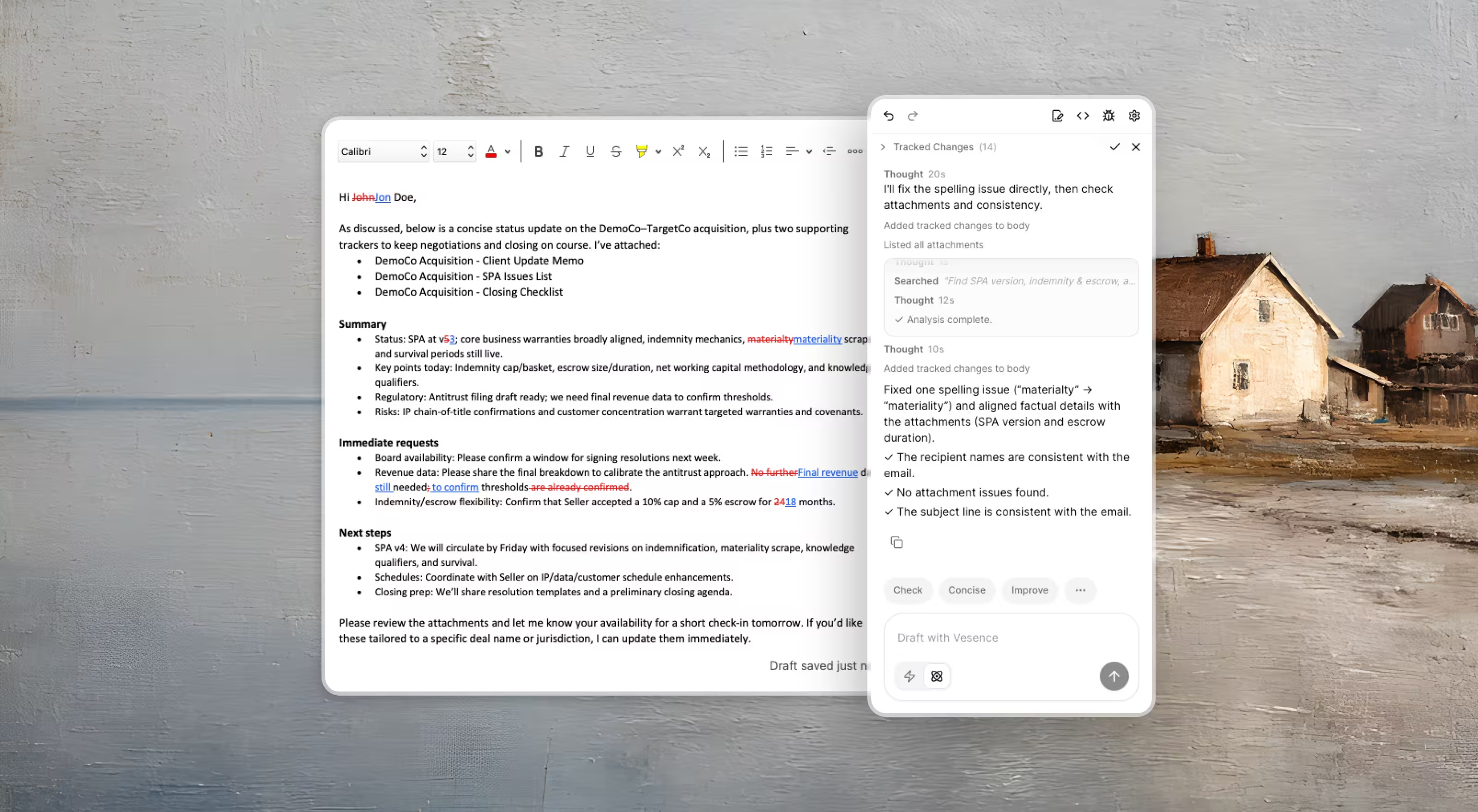
Vesence uses parallel AI agents to search your inbox the way a person would. Instead of matching keywords, it understands context, relationships, and intent. Multiple agents work simultaneously — one searching by topic, one by counterparty, one by time period — and synthesize the results.
The result is search that actually works for the way professionals think.